

It’s not a secret. When browsing websites, most people don’t want to read that much.
And yet, we continue to publish long news articles, detailed department overviews, course descriptions, staff bios, and more. I do it too.
It’s not that no one cares. Some readers absolutely want—or need—that depth of information. But in a world overflowing with content and distractions, you can’t blame someone for wanting the shortest possible path to what they’re looking for. (By the way, thanks for reading.)
So what can you do?
There are plenty of established best practices:
- Break up long-form content with images, lists, quotes, stats, and other visual elements (“chunking”).
- Edit ruthlessly and remove anything that doesn’t earn its place.
All of that matters. But in this article, I want to focus on a specific, often overlooked technique: web page summaries.
There isn’t a single, universally accepted term for it—you might hear “introduction,” “executive summary,” or even “TL;DR.” A web page summary is simply a short preview of the content on a page.
Its purpose is to help readers quickly understand what the page contains and decide whether it’s relevant to them.
Page summaries should be brief and highly scannable. In most cases, 85–100 words, presented as a few short sentences or bullet points, is ideal. Anything longer starts to defeat the purpose.
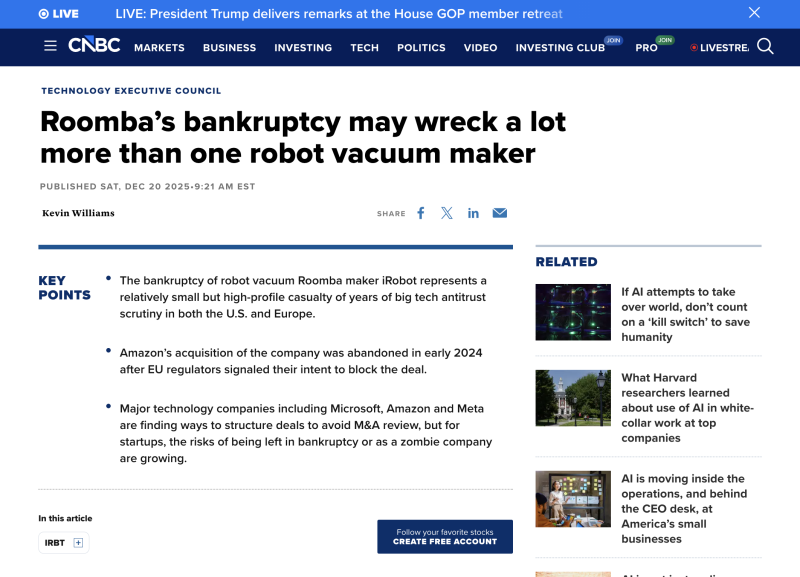
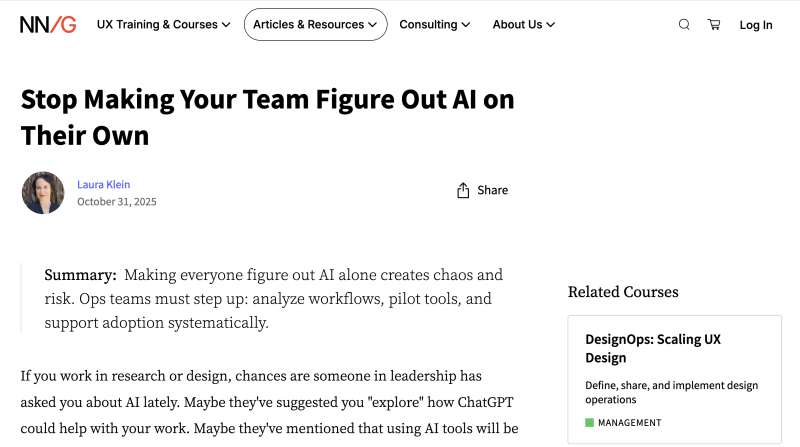
People are overwhelmed by the sheer volume of content competing for their attention. A page summary allows someone to quickly assess what’s ahead and decide whether it’s worth investing more time.
Your goal should always be to make it as easy as possible for people to find what they’re looking for on your website. Good design, well-written content, and intuitive navigation are essential parts of a strong user experience. Page summaries build on that foundation.
They’re a small addition that can make a meaningful difference in clarity and usability.
Page summaries help people decide whether to read on—or move on
Search engines are increasingly serving AI-powered results, and one thing we know so far is that these systems favor clear, structured content when extracting answers.
A short page summary at the top of an article is a strong example of that structure.
Search engines often display short summaries alongside search results, frequently pulled from meta descriptions. However, having a concise, well-written summary on the page itself can increase the likelihood of your content being used as a featured snippet or highlighted answer.
Page summaries can also support voice search, which typically favors brief, direct responses over long explanations.
Meta descriptions and page summaries serve related but distinct roles in the user journey.
Meta descriptions live in a page’s HTML and are primarily designed to encourage clicks from search results—however, search engines may rewrite or ignore them entirely.
Page summaries, by contrast, live directly on the page and are always visible to readers. Their job isn’t to attract traffic, but to help visitors quickly understand what the page contains and decide whether it’s relevant to their needs. Used together, meta descriptions help users arrive, while page summaries help them orient, evaluate, and move forward with confidence.
Page summaries can be written by humans (like you!). Any experienced writer should be able to distill their work into a few key points.
That said, this is an area where AI tools can be genuinely helpful, with relatively low risk. We’re not asking AI to create original ideas or generate full content. We’re simply asking it to scan existing material and produce a concise summary.
AI tools tend to perform well at this kind of distillation.
One option is to copy your page content into a tool like Gemini or ChatGPT and ask it to generate a short summary. You can then review, refine, and place that summary at the top of your page.
If you’re using a CMS like Drupal, its suite of AI modules can generate summaries directly within the editing interface. With a bit of configuration, those summaries can be automatically formatted and positioned appropriately—saving time while still allowing for human review and approval.
This section is also a page summary—just placed at the end instead of the beginning.
The goal is similar: to reinforce key points, summarize what the reader has just consumed, and highlight next steps. Used together—an introductory summary at the top and a recap at the end—you can significantly improve user experience, reader engagement, and SEO.
If you’d like help implementing page summaries or exploring other ways to improve your organization’s website, contact our team to learn more.



Join the Discussion +